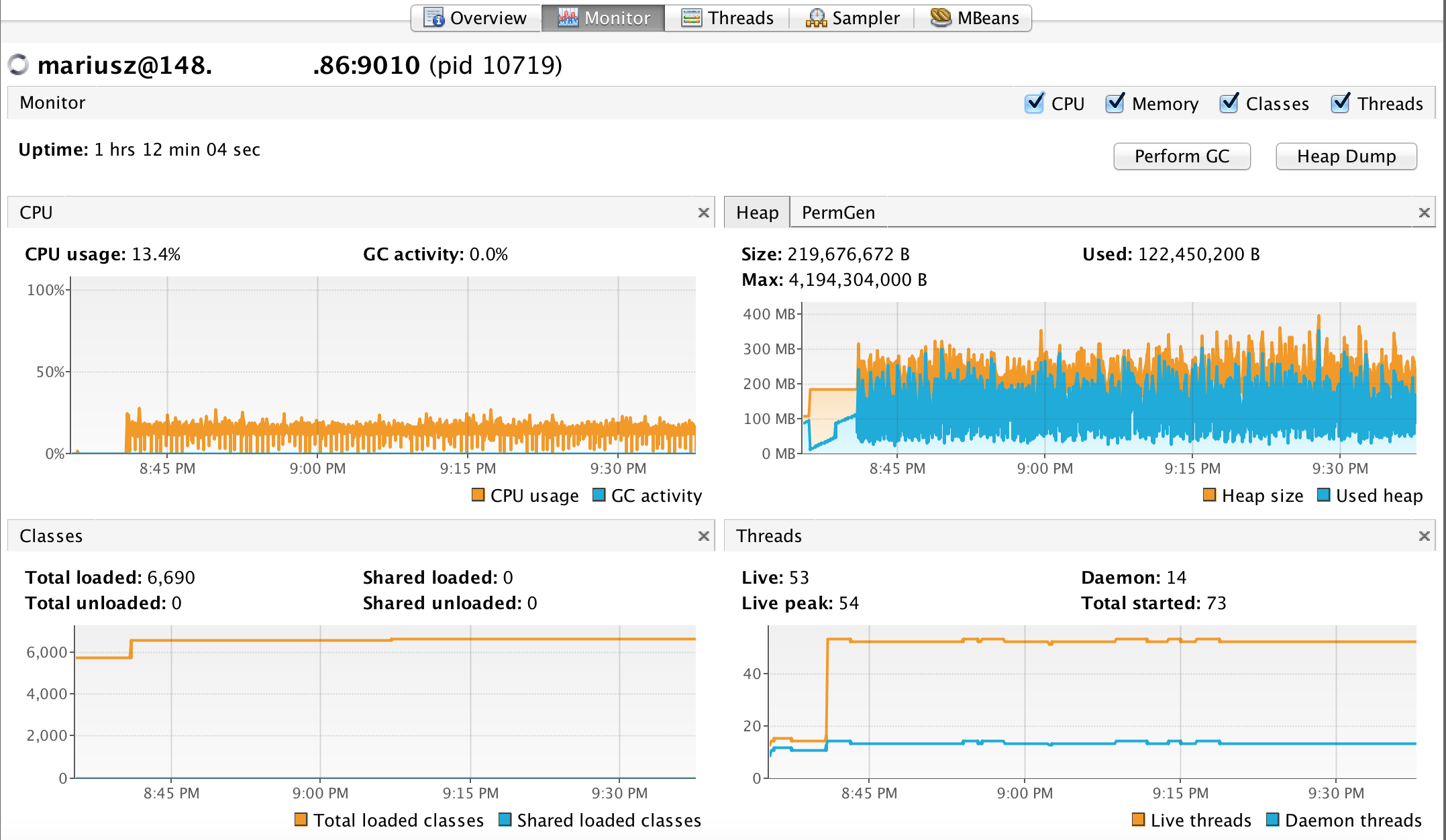
February 11, 2015 10:48 pm
There are many posts over the Internet on how to do it right, but unfortunately none worked for me (debian behind firewall on the server side, reached over VPN from my local Mac). Therefore, i’m sharing below the solution that worked for me.
1. Check server ip
hostname -i
2. use JVM params:
-Dcom.sun.management.jmxremote
-Dcom.sun.management.jmxremote.port=[jmx port]
-Dcom.sun.management.jmxremote.local.only=false
-Dcom.sun.management.jmxremote.authenticate=false
-Dcom.sun.management.jmxremote.ssl=false
-Djava.rmi.server.hostname=[server ip from step 1]
3. Run application
4. Find pid of the running java process
5. Check all ports used by JMX/RMI
netstat -lp | grep [pid from step 4]
6. Open all ports from step 5 on the firewall
Cheers!
Posted by Mariusz Przydatek
Categories: Java
Tags: JConsole, JMX, JVM, VisualVM
Mobile Site | Full Site
Get a free blog at WordPress.com Theme: WordPress Mobile Edition by Alex King.